



The Swiss Life customer portal offers many practical functions to help you plan and manage your pension provision. For example, you can see how your retirement savings are developing, call up your current contracts or switch to paperless communication.

Paperless communication
Switch to paperless communication and receive all documents digitally, including your pension certificate.
Get to know the features
Whether you are insured with us as a private individual or through a pension fund – the many functions of our customer portal enable you to manage your pension independently, around the clock.
General functions
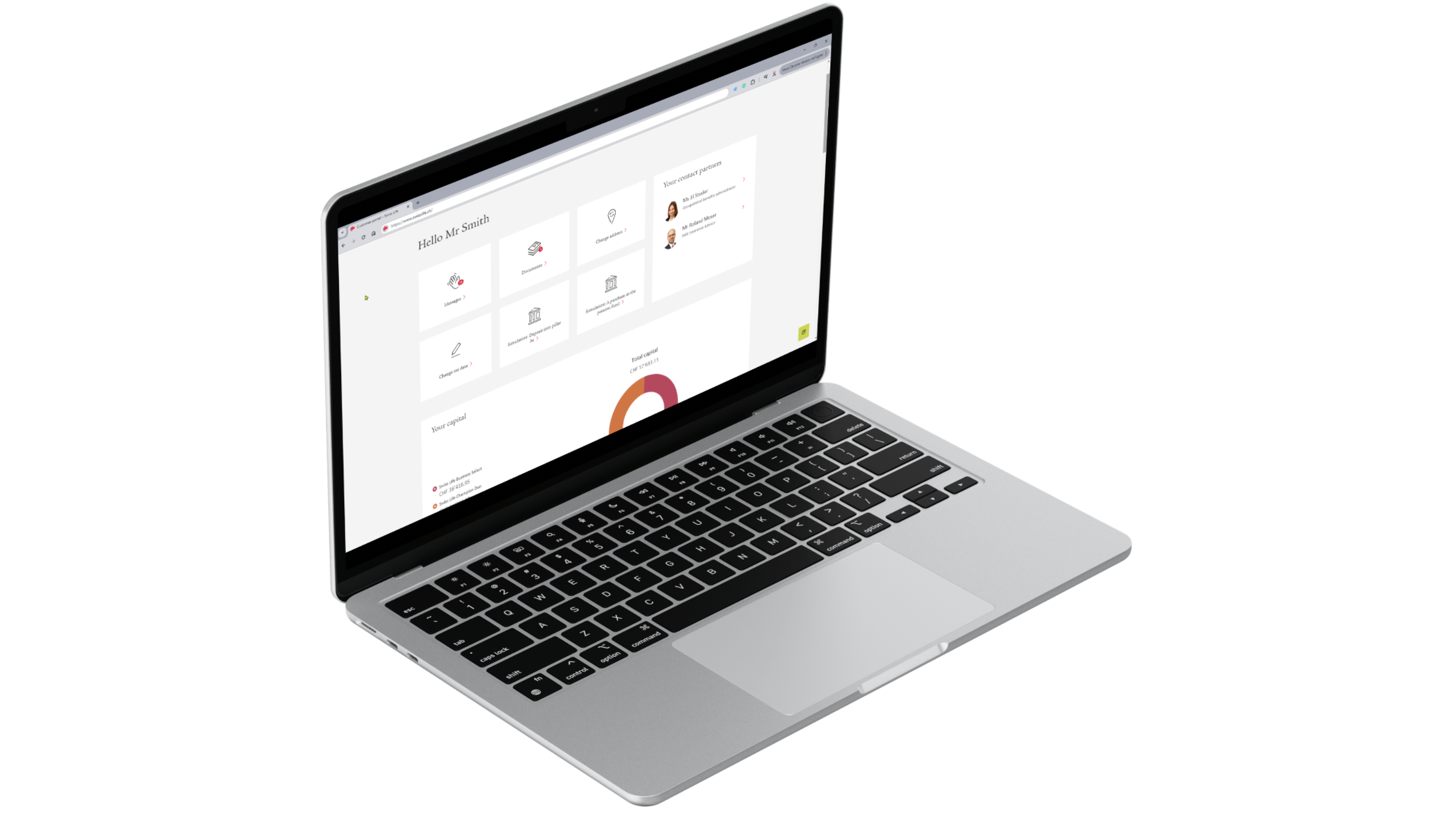
- Clear contract management: maintain an overview of all contracts, documents and benefits.
- Personalised notifications: receive an e-mail or text message for new documents and set up a reminder in the customer portal for important events such as deposits.
- Simple communication: contact your advisor or use the virtual assistant for support requests.
- Self-service: manage your account and your data independently and make changes e.g. to your address yourself.
For private clients
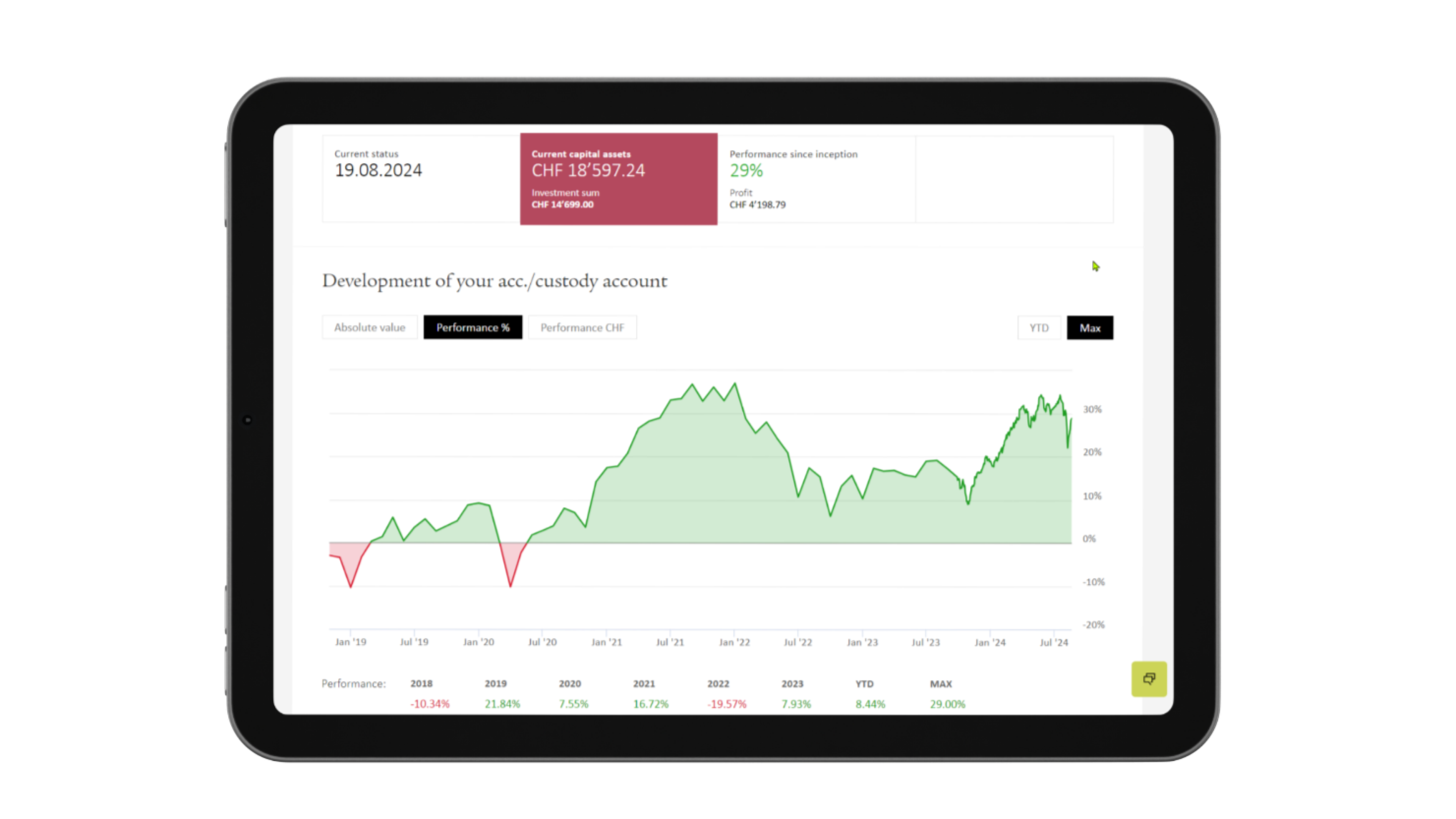
- Pension simulator: calculate the impact of your pillar 3a payments.
- Performance visualisation: track the development of your investment products.
- Portfolio check: obtain a detailed analysis of your investment portfolio.
For policyholders in a pension fund
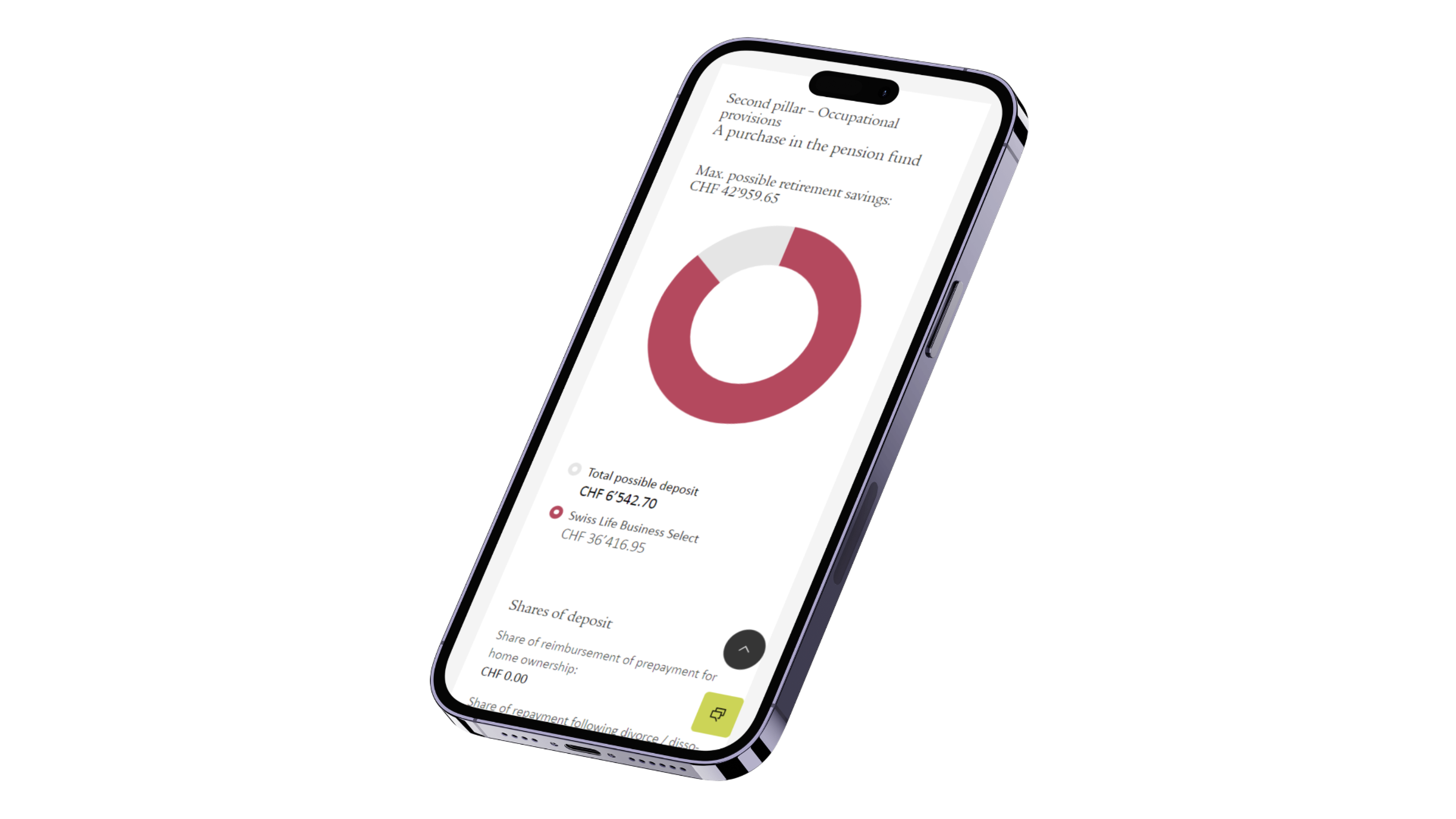
- Digital pension certificate: receive your pension certificate digitally if you activate paperless communication.
- Simulations: calculate how pension fund purchases or early retirement affect your pension.
- Performance of retirement savings: see how your retirement savings and expected pension will develop.
- Investment management and performance visualisation: track the performance of your retirement assets with the 1e plan and make adjustments to your strategy and risk profile.

How to register
Account opening by post
1. Registration: Enter your personal details and create a user account.
2. Verification: Confirm your e-mail address and mobile number.
3. Identification: Enter your residential address and you will receive your activation code by post.
4. Getting started: Log in to the customer portal and take advantage of all the benefits.
Account opening using an email access code
You can open an account using an e-mail access code if you have recently got a new Swiss Life insurance solution.
1. Registration: Click on the link in the e-mail and create a user account.
2. Verification: Confirm your mobile phone number.
3. Identification: Verify your identity directly on your mobile phone via an ID scan and selfie video.
4. Getting started: Log in to the customer portal and take advantage of all the benefits.

Frequently asked questions (FAQ)
- Open the following link: Open user account
- Select either “Register with e-mail address” or “Register with external account”.
- Enter your data.
- Enter the six-digit code you received by e-mail.
- Enter the six-digit code that you receive by text message on your mobile phone.
- Enter your residential address. You will receive your activation code by post in two to three days.
- Log in to the customer portal and enter the activation code.
Account opening using an e-mail access code
You can open an account using an e-mail access code if you have recently got a new Swiss Life insurance solution.
- Click on “Register now for the customer portal” in the e-mail.
- Start the registration process.
- Enter your personal access code from the e-mail and your date of birth.
- Enter the postcode for your place of residence.
- Check the information you have entered.
- Enter the six-digit code that you receive by text message on your mobile phone.
- Start the digital identity verification process on your mobile phone.
- Select the ID you want to use to identify yourself.
- Scan the ID.
- Record a selfie video.
- After the identification process has been completed, you can log in to the customer portal.
Yes, this is possible. We currently support Swiss ID, Microsoft and Google accounts. You can use these to register already or link the external account to your Swiss Life account at any later date. To do this, see the menu item “Alternative login methods” in your user profile. The external provider will not be able to view your contract data.
We use two-factor authentication for registration and login. You need an e-mail address and a mobile number to receive the security code. Alternatively, you can use an external provider or an Authenticator app. These are the current security standards that serve to protect your data.
If you would like to log in via an external provider, select the appropriate icon under “Log in with an external account” in the login area at the bottom. You will then receive a security code by text message on your mobile phone.
- Select “Login data forgotten” in the customer portal.
- Enter your e-mail address. You will now receive an e-mail.
- Click on the link you received as an e-mail. You will then receive a security code via text message on your mobile phone.
- Enter the six-digit code.
You probably did not complete your registration in the customer portal within the 45-day period. For this reason, the system automatically deletes the data you entered during the partial registration. You can create a new user account in the customer portal at any time.
Due to data protection, you cannot view contracts of third parties (e.g. family members) in your user account. Moreover, only one user account can be created per insured person.
You will only see contracts for products offered by Swiss Life Switzerland. This also includes those concluded via Swiss Life Select.